|
|
|
Category widget overview | Action connector | Access control | Field widget editing | Form editing | Video Workthrough | Demo: Build certain workflow |
Overview
Each widget is bound to a field / semantic property. 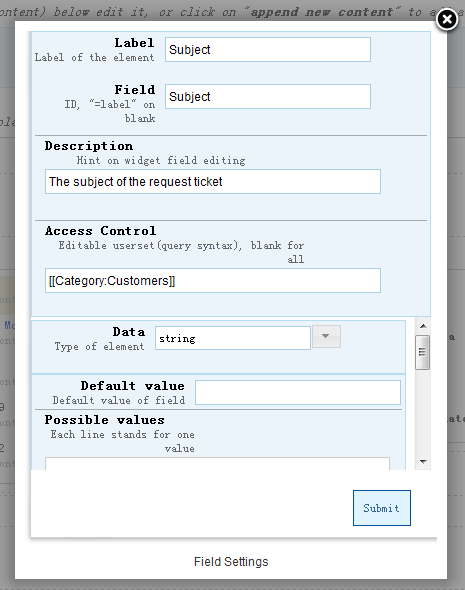
Common Widget settings
All field widget has the same basic settings. 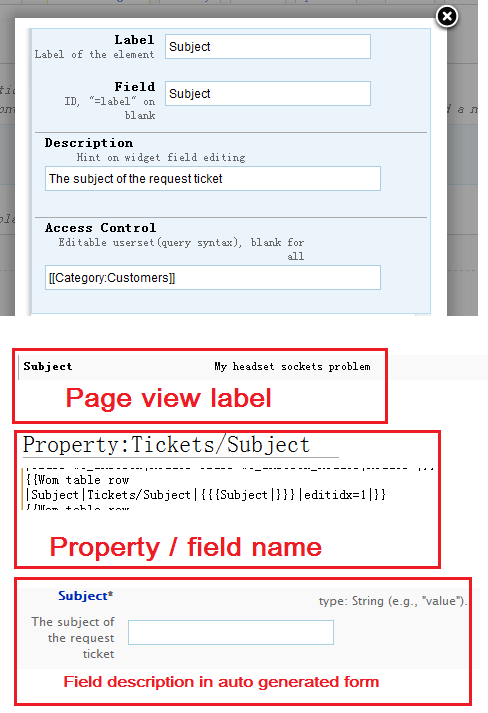
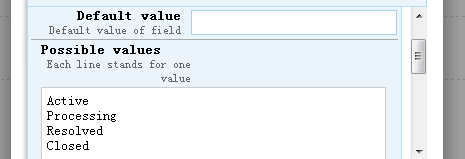
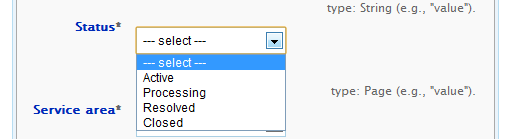
Widget datatypesField widget has different datatypes. Users can choose datatype menu item, each field must have one datatype. 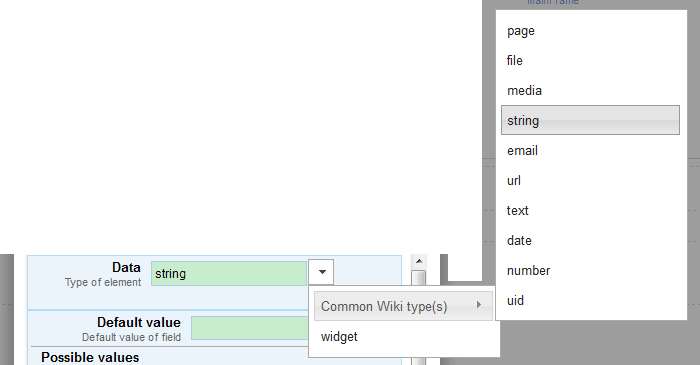
Common typesmedia, string, email, url 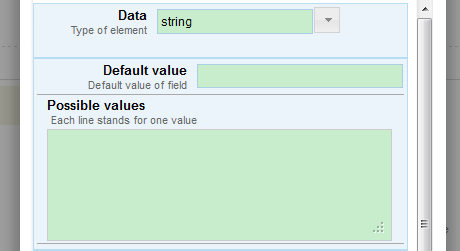
Common types has the same settings, Text
No possible value for text type. 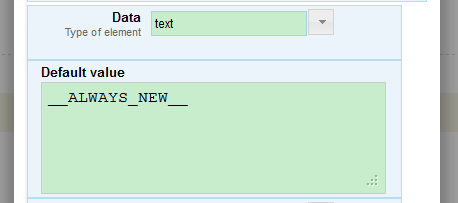
DateDate picker UI bound to form field. 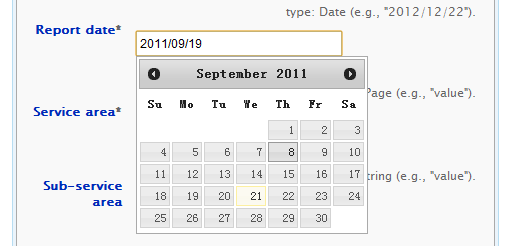
* Keyword '__ALWAYS_NOW__' means the date value always set to 'NOW' on users' editing. 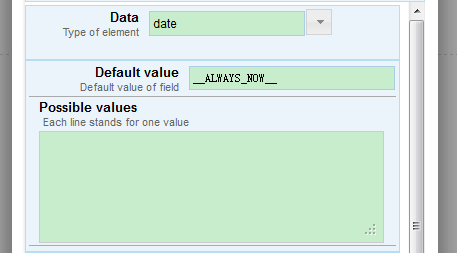
FileApply 'image' type for page rendering. 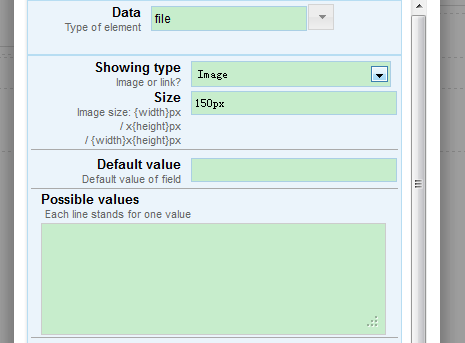
Form 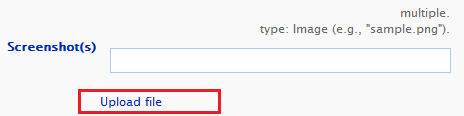 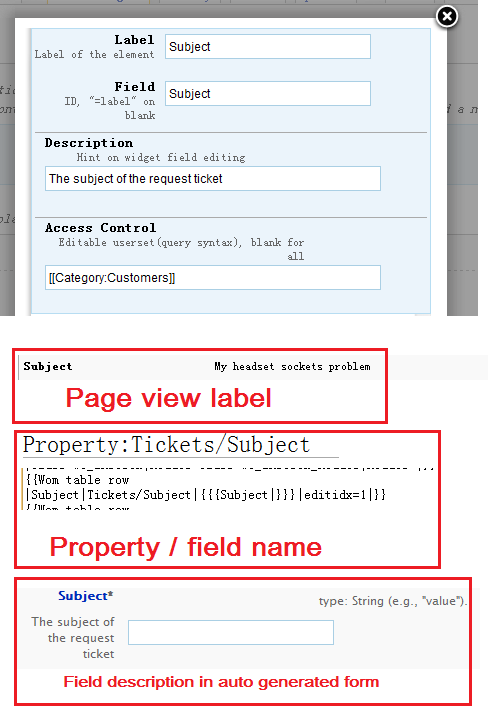
View 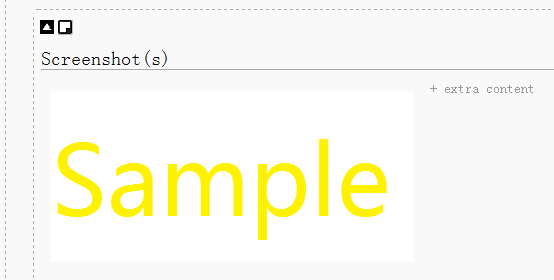
Or use 'file link' only. 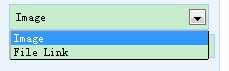
Number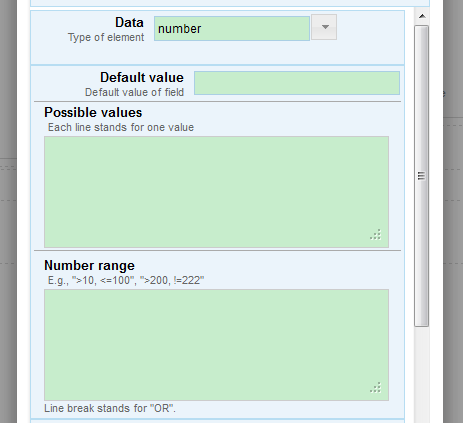
Apply number range check to form field. 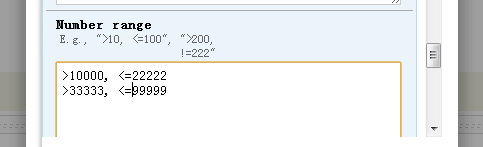 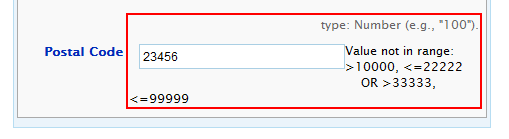
UIDGenerate UID for page. 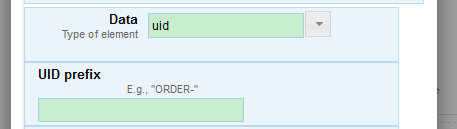
PageTo customize possible values in different ways. 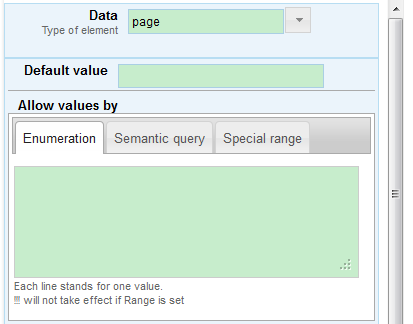
From query results, if SMWHalo is deployed, QueryInterface may help. 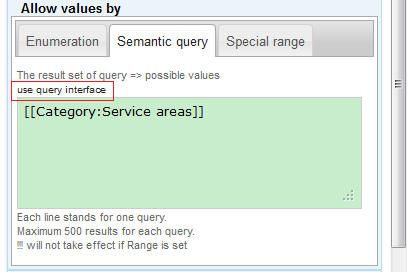 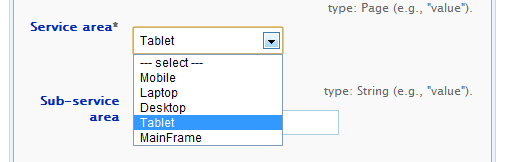
Ajax way to get page names by property / category / namespace. 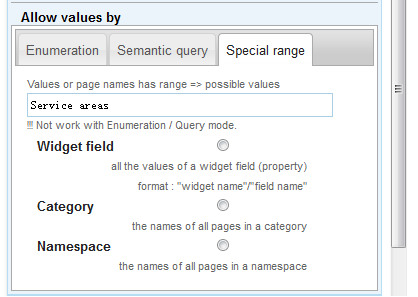 
WidgetUse pre-defined category widget as compound data type, just import from other category widgets. 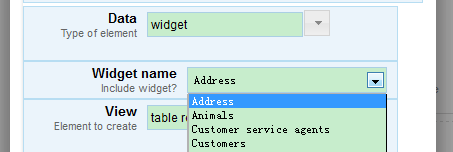
View 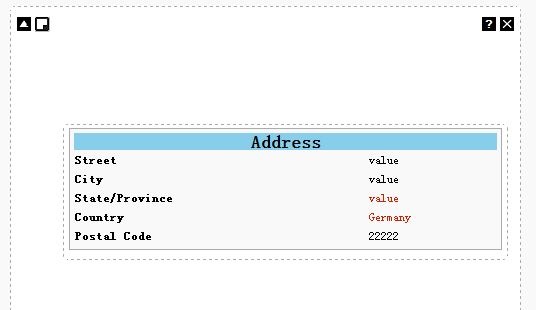
Form 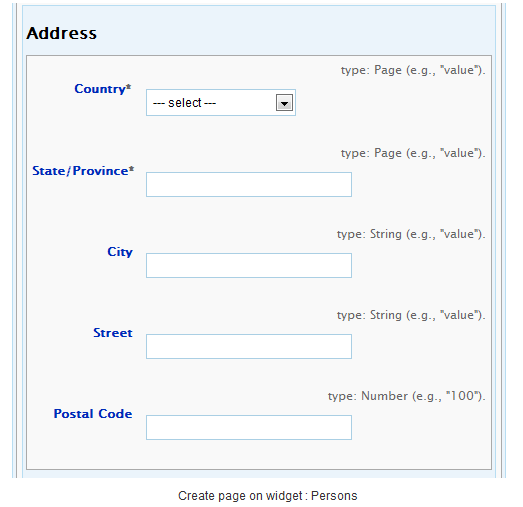
Widget viewsViewing widget 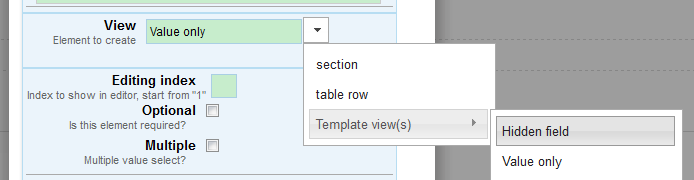
* Editing index, specify the edit index of the field, the index will take effect on auto-generated form; Table rowTable viewing 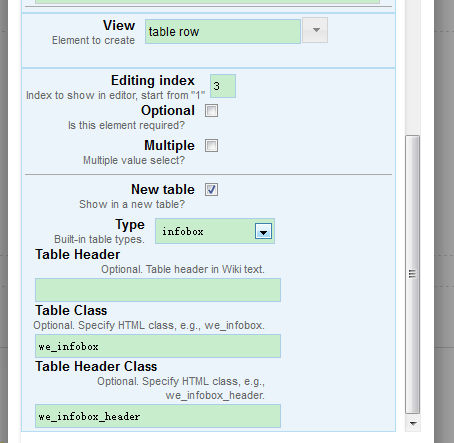
View 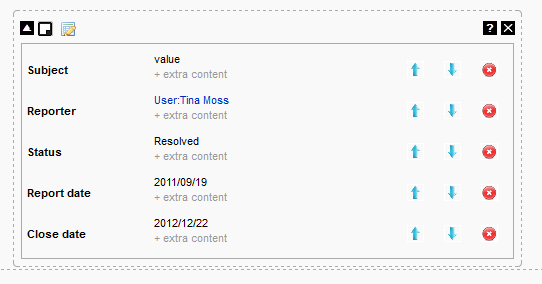
SectionSection viewing 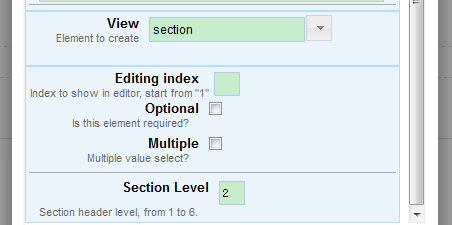
View 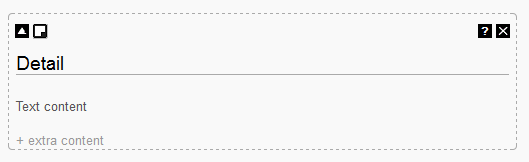
Template(s)
Template will have the following input,
field_label | field_property | {{{field_name|default value}}} | <editidx=_IDX_> | <optional=true> | <multiple=true> | <other_parameters>
Template must have 'Category:SPM viewing templates'. * Template:Value only, value as output; * Template:Hidden field, no output there, just announce a widget field.
|
 |